
The Product
Your invisible edge,
on every call.
MagicScreen is a Mac app that floats silently above your screen - reading the room, surfacing insights, and keeping you one step ahead of every conversation.
Get answers, before you need to ask
MagicScreen processes every word in real time and surfaces the exact insight you need — before you even know you need it. Every trigger and every response is fully configurable: set up the AI to detect anything and surface any information, so it becomes the perfect real-time co-pilot for your exact use case.
- Configurable triggers to activate help right when you need it
- Configurable responses to surface any information right when you need it
- Real-time objection detection with suggested responses
- Buying signal alerts that tell you when to accelerate
- Competitor mention triggers with instant battle cards
- Decision-maker detection and executive framing prompts
- Works for sales, CS, legal, finance, recruiting, consulting, or any domain
Objection Detected
Prospect is pushing back on price. Anchor to long-term ROI and reference the Acme case study.
Never forget what to say
Build a modular library of proven scripts - openers, objection handlers, close sequences, and more. Queue exactly what you need before each call and let MagicScreen surface them at the right moment.
- Private and Shared resource libraries
- Meeting-aware scripts know what has already been covered
- AI-suggested scripts based on call context
- Auto-queue and stack scripts to plan out your ideal meeting
- Dynamic Scripts — unified talk tracks that adjust on the fly as the conversation evolves
Scripts
2 queuedActive Queue
Get additional help with a single hotkey
Press your hotkey and ask for help with anything — regulations, legal, pricing, security, customer stories, competitive differentiators. MagicScreen searches your team knowledge base and general AI simultaneously, delivering the right answer in under a second without breaking your flow.
- Custom hotkey triggers instant search
- Searches your team knowledge base first
- Falls back to general AI for anything not in your library
- Answers appear in under a second, mid-conversation
- Works across any domain: sales, CS, legal, finance, recruiting, and more
Select an example or type your question above...
Meeting output, your way.
Define exactly what you need from every meeting. MagicScreen delivers structured notes automatically — no generic summaries, no manual write-ups. Two formats: Living Notes that grow across many conversations, and Snapshot Notes for single-meeting capture.
- Living Notes — one persistent document updated across every linked meeting
- Snapshot Notes — single-meeting capture, one clean note per call
- 103 ready-made templates for Sales, CS, Implementation, and more
- Auto-activate templates for specific meeting types
- Curated follow-up emails generated automatically after each call
Updates across every linked meeting
One clean note per meeting
They see you.
They don't see this.
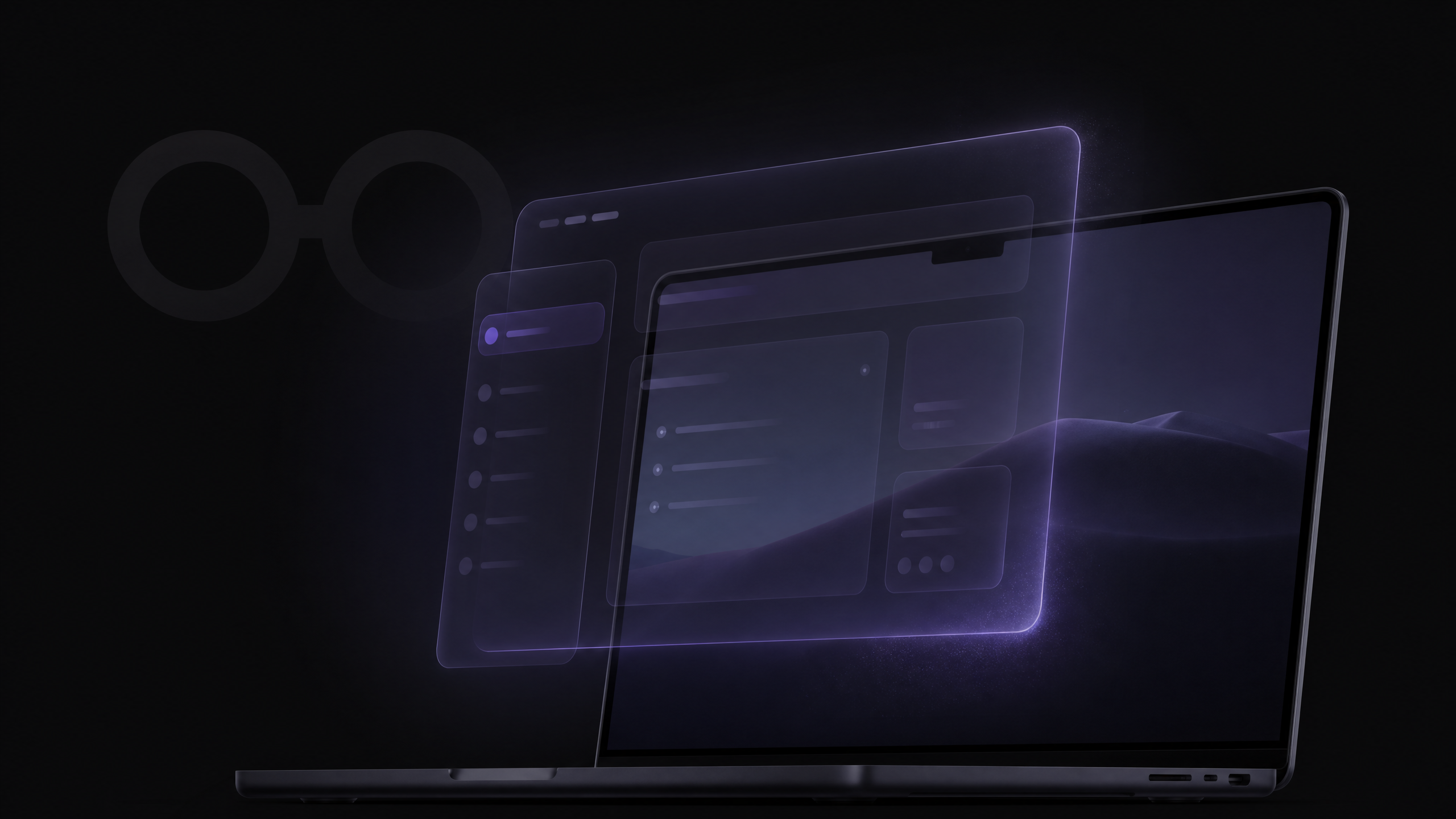
MagicScreen renders as a native macOS overlay — excluded from screen sharing at the OS level. Your AI co-pilot, your scripts, your real-time insights: visible only to you. Invisible to everyone else.
- Invisible on Zoom, Google Meet, Teams, Webex, and Loom
- No bot joins your call — no recordings, no trace
- One toggle to turn invisibility on or off
- Works at the OS level — no plugin or configuration needed
Requires macOS Tahoe (15) or later for full screen-share invisibility.
How It Works
Up and running in minutes.

Install in 60 seconds
Download the Mac app, sign in, and MagicScreen floats invisibly above your screen. No browser extensions, no Zoom plugins.
Join any call
Works with Zoom, Teams, Google Meet, or any video platform. MagicScreen listens passively - no bots, no recordings.
Insights surface automatically
As the conversation unfolds, real-time coaching cards appear at the top of your screen - invisible to your prospect.
Ask anything, instantly
Press your hotkey to query your team library, battle cards, or general AI - answers appear in under a second.
"MagicScreen is like having your best closer whispering in your ear on every single call. Our team's win rate jumped 40% in the first month."
Jordan M.
VP of Sales, Series B SaaS
Start winning today.
Free to download. No credit card required. Works with Zoom, Teams, and Google Meet.
macOS 12+ · Apple Silicon & Intel · 4.9 ★ on the App Store