
They see you.
They don't see this.
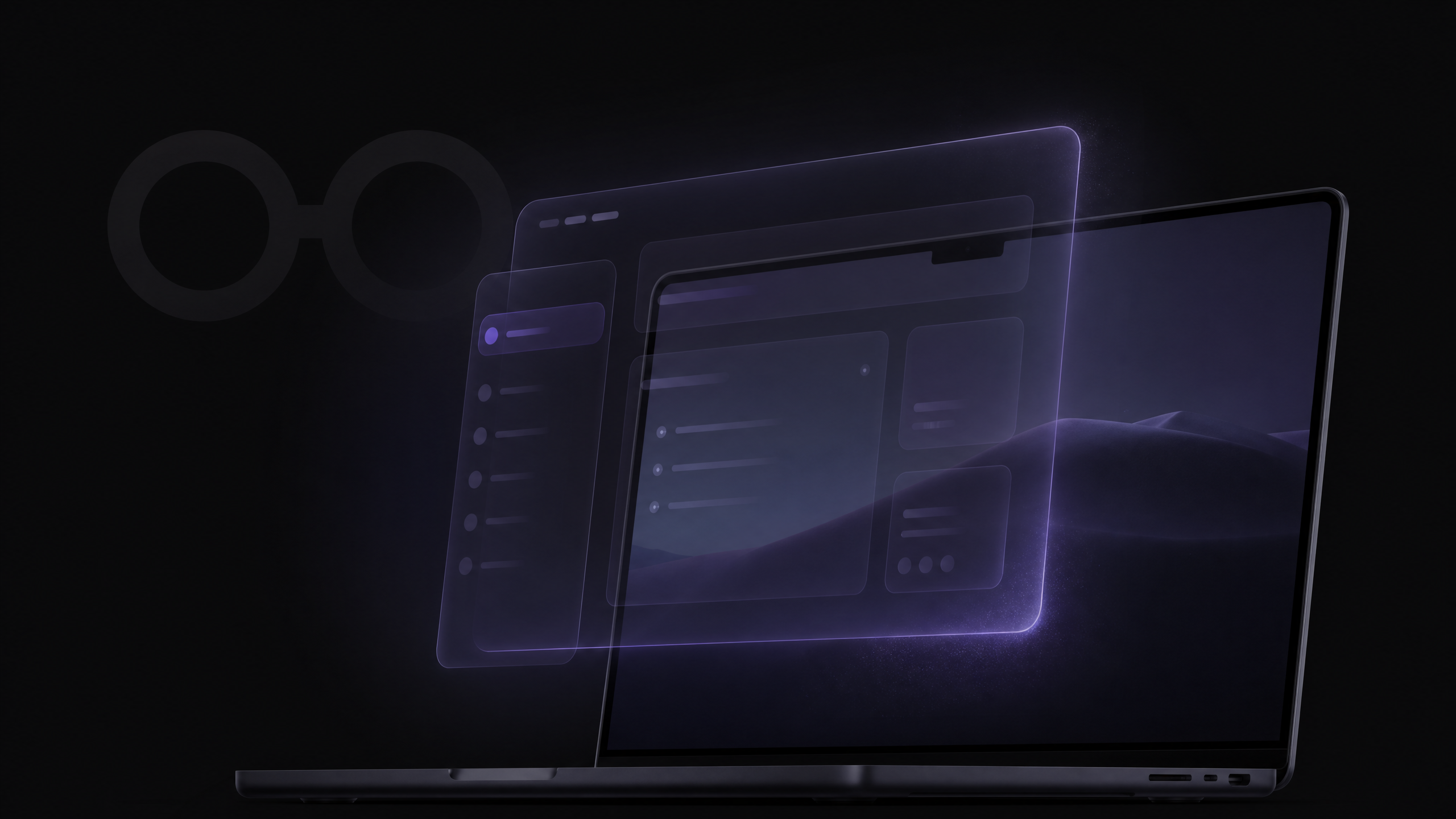
MagicScreen is a native macOS overlay — rendered in a layer that screen-sharing software cannot capture. Your AI co-pilot, your scripts, your real-time insights: visible only to you. Invisible to everyone else. Like magic.
Requires macOS Tahoe (15) or later for full invisibility during screen sharing. On earlier macOS versions, MagicScreen runs in standard overlay mode and may be visible when screen sharing.
How the trick works
Not a window. Not a plugin.
A layer only you can see.
Screen-sharing software captures windows and displays. MagicScreen renders at the OS compositor level — below what screen-sharing can reach, above what your eyes can miss. It's not a trick of the light. It's a trick of the stack.
What your prospect sees
Your face. Your slides. Your screen. MagicScreen is not there. Not a flicker, not a flash — nothing.
What you see
Your AI co-pilot, floating above your screen. Real-time insights, objection handlers, scripts — coaching you through every moment.
The details
Every part of the spell.
Invisible to everyone but you
MagicScreen renders as a native macOS overlay — not a window, not a browser tab, not a screen-share artifact. It exists in a layer that screen-sharing software simply cannot see. Your prospect, your interviewer, your client: they see only you.
One toggle. On or off.
A single keyboard shortcut or menu-bar click toggles invisibility on and off in under a second. Use it when you need it, hide it when you don't. The toggle lives in the menu bar — always within reach, never in the way.
Requires macOS Tahoe (15) or later for full invisibility. Earlier macOS versions support standard overlay mode.
Screen-share safe
Whether you're on Zoom, Google Meet, Teams, or Webex — MagicScreen is excluded from your shared screen at the OS level. No plugin required. No configuration needed. It just works.
No recording. No bots. No trace.
MagicScreen never joins your call as a participant. It never records audio or video. It processes conversation audio locally and in real time — then discards it. Nothing is stored. Nothing is transmitted. Nothing is left behind.
The magic is in the absence
The best AI co-pilot is one your conversation partner never suspects. MagicScreen is designed to disappear — so you can show up fully present, confident, and in control. The intelligence is yours. The credit is yours.
How to use it
Four steps to invisible.
01
Open MagicScreen
Launch the app from your menu bar. It floats above your screen as a native overlay — no Dock icon, no window chrome.
02
Toggle invisibility on
Press your shortcut or click the menu-bar toggle. MagicScreen shifts into its invisible layer — excluded from all screen-sharing at the OS level.
03
Join your meeting
Start your Zoom, Meet, or Teams call. Share your screen as normal. MagicScreen is there for you — and invisible to everyone else.
04
Toggle off when you need to
Sharing your screen with internal stakeholders? Toggle off to pull up your notes, Living Notes, or scripts — visible to your team, hidden from no one. One click to switch modes.
Full invisibility requires macOS Tahoe
The OS-level screen-capture exclusion API that makes MagicScreen truly invisible was introduced in macOS Tahoe (15). If you're on an earlier version, MagicScreen still works as a floating overlay — but may be visible when screen sharing. Upgrade to Tahoe to unlock the full magic.
Better together
Invisible delivery.
Real-time intelligence.
Invisibility is the vessel. Real-time Intelligence is the magic inside it. Together, they give you a co-pilot that coaches you through every conversation — without anyone knowing it's there.
- Objection handlers surface the moment a pushback is spoken
- Buying signals flagged before you've finished processing them
- Competitor mentions trigger your battle card instantly
- All of it invisible to your prospect
The best AI co-pilot
is one they never see.
Download MagicScreen for Mac. Toggle on invisibility. Walk into your next meeting with a secret weapon.
macOS Tahoe required for full invisibility · No credit card · No bot joins your call